
Web App
Your persistent workspace at app.tenali.ai for chat, meeting summaries, transcripts, sharing, and account settings.
The web app at app.tenali.ai is where everything Tenali captures comes together. Use it to prep before a call, then review summaries, share recaps, and manage your account after the call wraps.
The desktop overlay does the heavy lifting live on the call. The web app is where you do the work around it — asking questions across every past meeting, reviewing what was said, sending recaps, and keeping your plan and settings in order.
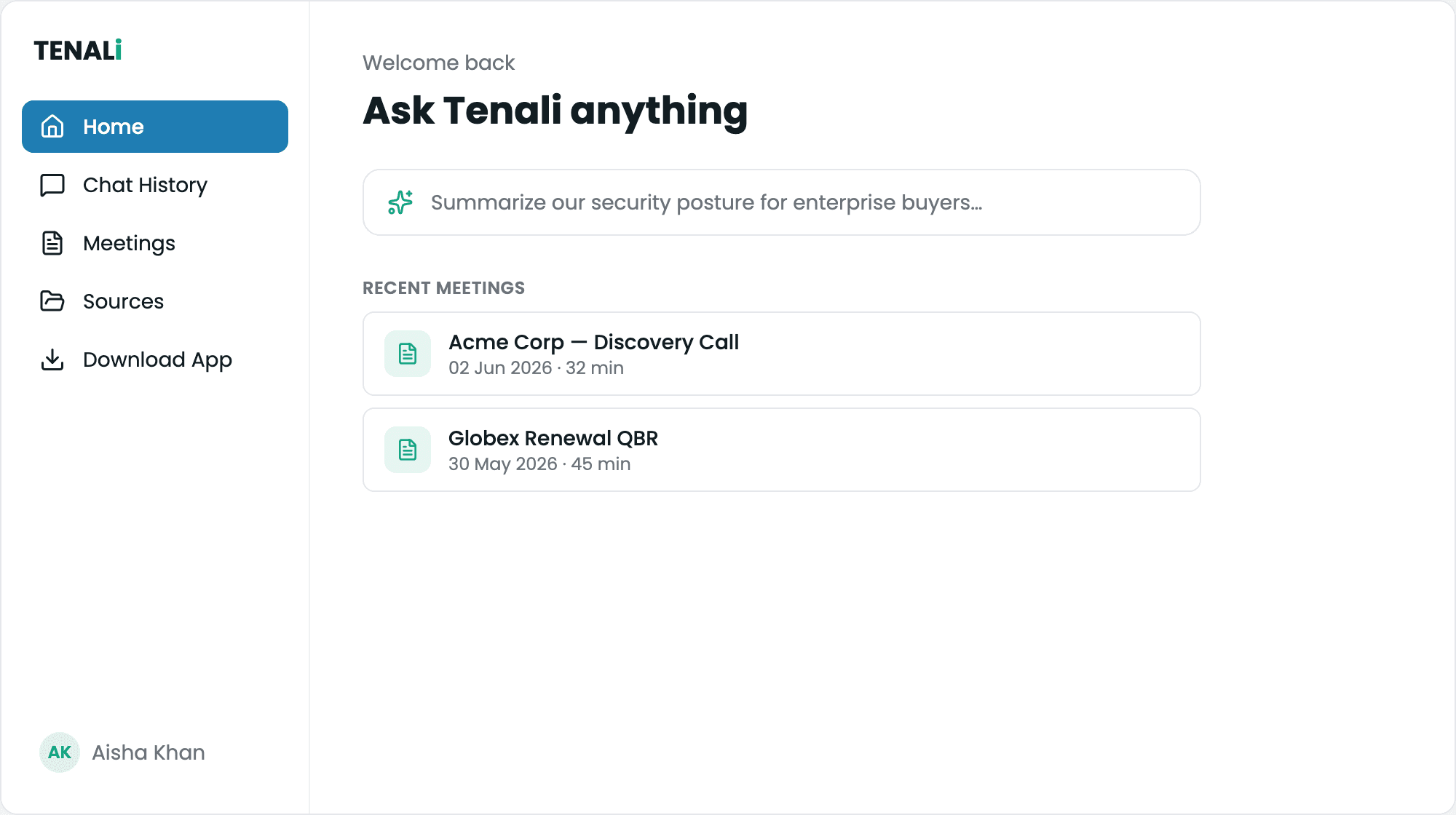
Web app workspace
The app.tenali.ai workspace showing chat, meeting library, and the left navigation.
The Left Sidebar
Everything in the web app hangs off the sidebar. Top to bottom:
- Start a New Chat — opens a fresh chat
- Chat History — your earlier conversations
- Meetings — your meeting library
- Sources — the documents, sites and channels Tenali answers from
- Integrations — connect and disconnect your tools (this moved out of Settings)
- Download App — the macOS and Windows desktop installers
Admins get a second block underneath: Meetings, Sources, Team, Questions and Billing, all scoped to the whole organization. Members never see it.
Where to Go
Chat
Ask Tenali anything across all your past meetings, sources, and CRM — and resume earlier chats.
Meeting Summaries
Browse your meeting library, switch between Sales and Chronological overviews, and track action items.
Transcripts, Recordings & Sharing
Read full transcripts, replay recordings, download a PDF, and share a meeting with a public link.
Billing & Plan
Check your plan, storage usage, recording usage, and trial status — and upgrade when you need more.
Profile & Settings
Update your profile and adjust account preferences.
Integrations
Connect Salesforce, HubSpot, Slack, Google Drive and the rest — now in the left sidebar.
Next Guides
Was this page helpful?