
Fireflies
Bring transcripts into Tenali for deeper analysis and search.
Already have a back catalog of calls in Fireflies? Connect it once, and Tenali can pull those transcripts in so you can search them, analyze them, and turn the questions buyers asked into answers Tenali reuses live.
Fireflies connects with an API key (not OAuth), so you copy one key from Fireflies and paste it into Tenali.
Connect Fireflies
- 1
Open Integrations
In the web app, open Integrations in the left sidebar. Find Fireflies in the Application list and click the "Connect" button in the Action column.
- 2
Get your Fireflies API key
Log in to your account at fireflies.ai, open the Integrations section, click Fireflies API, and copy the API key shown there.
- 3
Paste the key into Tenali
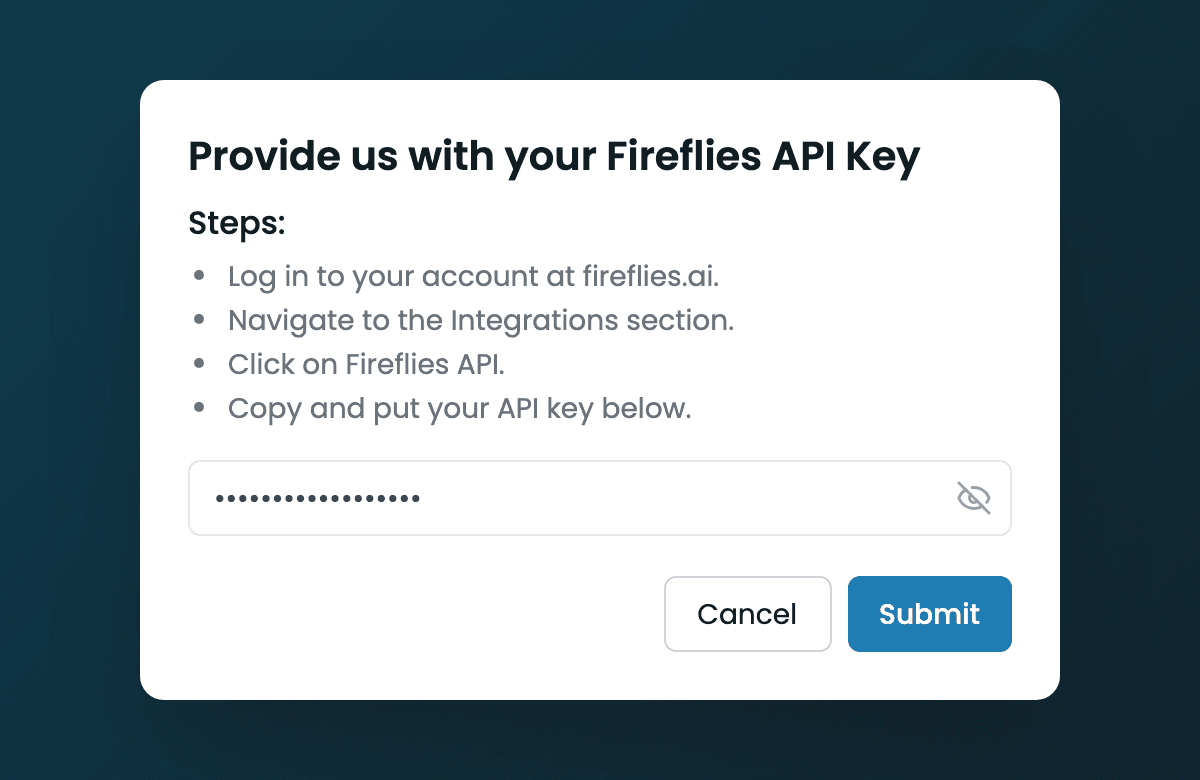
Back in Tenali, the "Provide us with your Fireflies API Key" dialog walks you through these same steps. Paste the key into the field, then click "Submit".
- 4
Confirm it's connected
On a valid key, Tenali shows a "Your account is now connected!" toast and the Fireflies row switches to a "Connected" badge with a "Disconnect" button. If the key is wrong, you'll see an "Invalid API Key" message — recopy it from Fireflies and try again.
Connecting Fireflies
The 'Provide us with your Fireflies API Key' dialog with the steps list, key field, and Submit button.
What This Unlocks
Once the connection is live, new Fireflies meetings import automatically while your workspace has an active trial or subscription — Tenali checks for them a few times a day, no upkeep needed. For your existing back catalog, you choose which past meetings to bring in from the admin dashboard — go to Admin → Questions ("Question Intelligence") and use "Import from Fireflies". Imported calls become searchable in Tenali, and the questions buyers asked in them feed Question Intelligence so Tenali can answer them in future calls.
See Import Meetings from Fireflies for the full import flow.
Disconnect
To remove the connection, click "Disconnect" on the Fireflies row. You can reconnect anytime by clicking "Connect" and pasting a fresh key.
Next Guides
Was this page helpful?